 Punch Clock
Time clock for hourly workers
Punch in.
Punch out.
Know your pay.
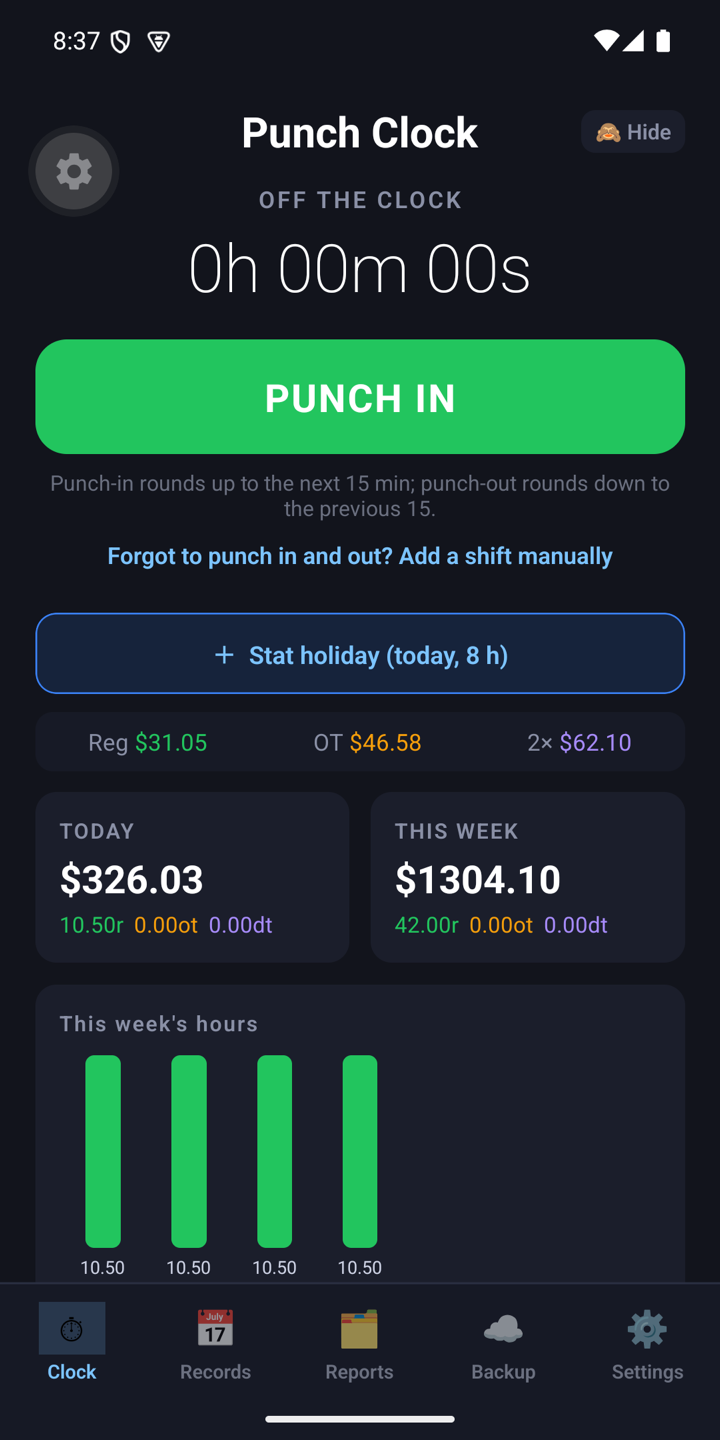
Punch Clock keeps your shifts and works out what you've earned, with overtime, weekend rates and stat holidays included. It runs right here in your browser, so there's nothing to install.
Free for 15 days, no card needed. Then $20 CAD a month. No ads, no tracking.
What you get
Everything you need to check your paycheque
Built for people who are paid by the hour and want their own record of every shift.
-
01
One-tap punch in and out
A live timer runs while you work. Today and This week update as you go.
-
02
Pay worked out for you
Set your hourly rate once. Weekly overtime, Saturday and Sunday rates and stat holidays are added up automatically.
-
03
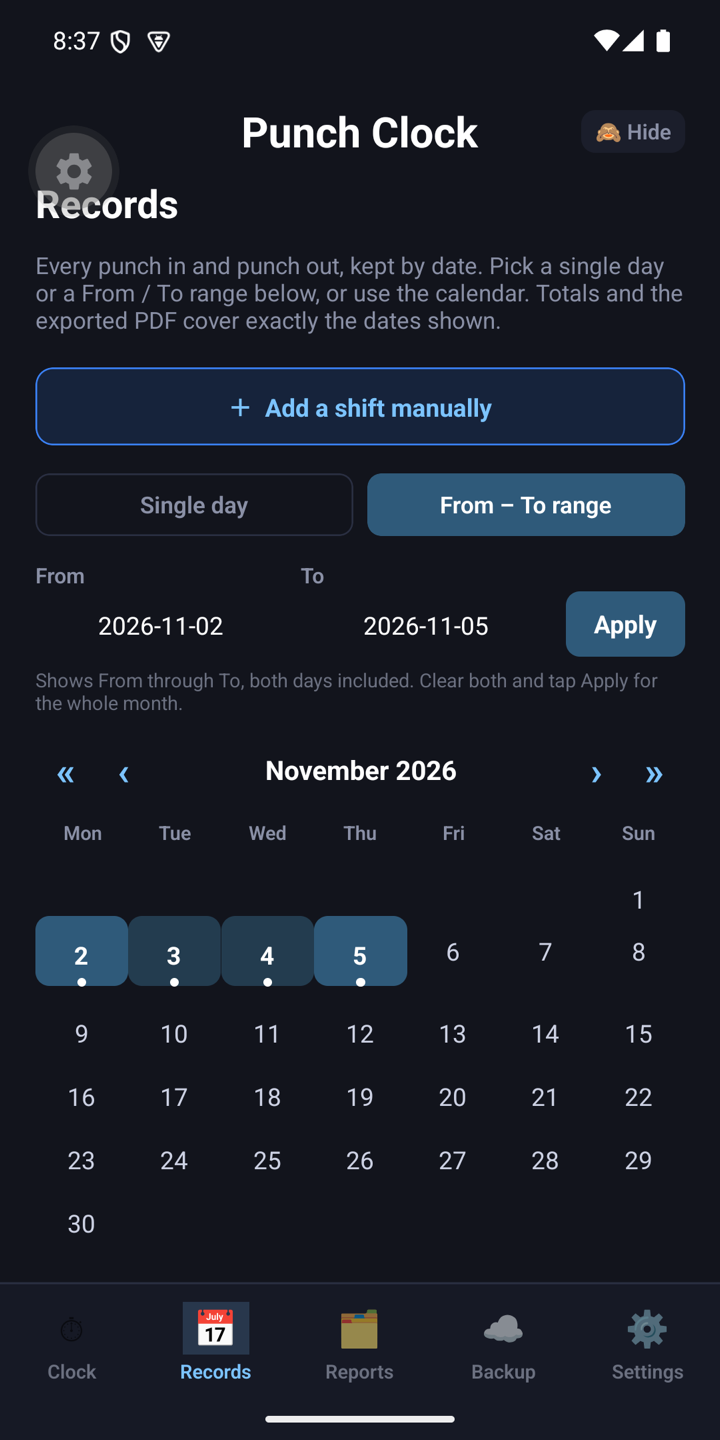
Every shift on a calendar
Look back by day, by month or over any dates you pick, with totals and charts for the period.
-
04
PDF reports
Export your hours and pay for any period as a clean report you can print, save or send.
-
05
Forgot to punch? Fix it
Add or edit a shift by hand, correct a late punch-in, and log a stat holiday with one tap.
-
06
Your hours follow you
Sign in and your shifts are saved to your account. Open them on your phone, your computer or a new device.
The math
How your pay is worked out
Punch Clock follows one common weekday payroll pattern. Paid time runs from 7:00 AM to 6:00 PM, punches snap to a 15-minute grid, and the 12:00–12:30 lunch break comes off.
- 1×Weekdays at your regular rate, up to 42 hours in the week
- 1.5×Overtime for weekday hours past 42, and all day Saturday
- 2×Sunday, all day
- 8 hStat holiday at your regular rate
Check that these rules match your employer's before you rely on the totals. Punch Clock is a personal tracking tool, not payroll or legal advice.
Try it on a sample week
Change the rate to see the pay
Regular
Overtime
Double
Week's pay
Friday crosses 42 weekday hours, so the rest of that shift is overtime. Saturday is 1.5× and Sunday is 2× all day.
Getting started
Start in under a minute
-
Open it
Tap Open Punch Clock. It works in the browser on any phone or computer. On a phone, add it to your home screen to keep it like an app.
-
Enter your hourly rate
Create an account so your hours are saved, then type in what you're paid per hour.
-
Punch in
Tap Punch In when your shift starts and Punch Out when it ends. Your pay is already added up.
Pricing
Try it free for 15 days
Then keep using it for one simple price. When the trial ends the app locks until you subscribe, and your shifts and reports are never deleted.
$20 CAD / month
- 15-day free trial, no card needed
- Every feature, on every phone and computer you sign in on
- Renews monthly. Cancel anytime, and you keep access until the end of the month you paid for
- All payments are final: no refunds
Paid by card on this website, or through Google Play in the Android app. Plus applicable taxes. Terms of Service · Refund & cancellation policy